


Download Version
- Ewebot v3.1.8
Ewebot Introduction
Product Overview
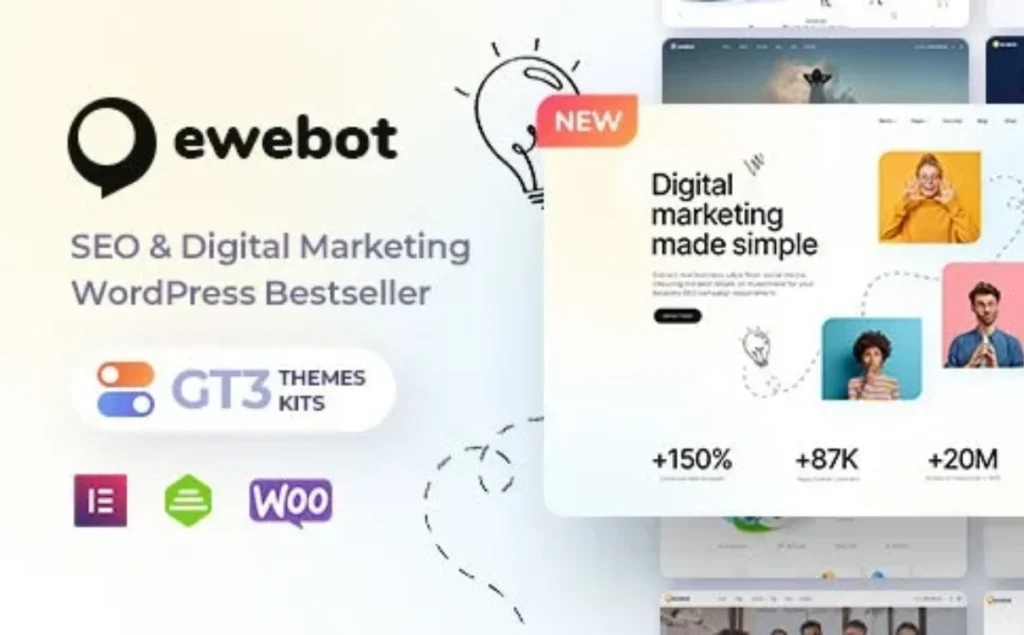
Ewebot Elementor Visual Building Centered on this, it covers common page structures for marketing agencies (services, case studies/research, quotes, blogs, landing pages) and provides... Smart Demo ImportIt allows for one-click import of the entire site or just the homepage/modules needed, reducing cleanup costs. (Theme includes built-in features.) WPDaddy Front-end Header/Footer BuilderIt can be integrated with navigation, Mega Menu, Call Action (CTA) components without writing any code. The official announcement also emphasizes... WooCommerce store page, WPML multilingual 与 Continuous adaptation for WordPress 6.8+ With updates.
From a technical perspective, Ewebot recommends PHP ≥ 8.0, MySQL ≥ 5.7 / MariaDB ≥ 10.3 This is consistent with the mainstream environment recommendations for WordPress 6.8, which helps to achieve a more stable performance experience.
Key Features
- Elementor Visual Page Builder(No code required, drag and drop)
- Smart Demo Import(Import the entire site/specific homepage/custom content in stages to reduce unnecessary content)
- WPDaddy Header/Footer Front-end Builder(Visual layout for headers/footers, supports Mega Menu, pinning, etc.)
- WooCommerce Online Store(A closed marketing loop including product, shopping cart, and checkout)
- WPML/Multilingual compatibility, responsive design and Retina display optimization(Mobile and Internationalization Scenarios)
- Customize Elementor widgets & theme options panel(Brand colors, layout, component extensions)
- Automatic update mechanism and continuous version iteration(Multiple adaptations to WP & Elementor versions in recent years)
Target audience and usage scenarios
- Marketing/SEO/Advertising AgencyShowcase service packages, case studies, customer testimonials, and blog content marketing.
- Vertical industry growth teams/freelancersQuickly assemble landing pages and forms to collect leads, and combine them with e-commerce sales templates/consultation packages.
- Cross-border/multilingual businessWPML compatibility and multi-demo site coverage are beneficial for multilingual official websites and regional marketing.
Comparison of similar topics
| Core functional items | Ewebot | Seocify | SEOWP |
|---|---|---|---|
| Elementor Visual Building | ✅ | ✅ | ✅ (Compatible/Supported) |
| One-click Demo Import | ✅ (Including "Partial Import/Custom Import") | ✅ | ✅ |
| Front-end Header/Footer Builder | ✅ (WPDaddy Builder) | ❌ (Mainly standard customization) | ✅ (Customizable header/footer) |
| WooCommerce compatible | ✅ | ✅ | ✅ |
| Multilingual/Translation (WPML, etc.) | ✅ | ✅ | ✅ |
| Built-in "Project Quotation Estimation/Rank Tool"“ | ❌ | ❌ | ✅ (Estimator, Rankie, Yoast integration) |
| Compatibility information for WP 6.8 | ✅ (Mentioned on both the official page and blog posts) | ✅ (TF lists version 6.8.x) | ✅ (Still being updated in recent years) |
Seocify: Built around the Elementor frontend, it offers one-click import and RevSlider; compatible with WP 6.8.x, WooCommerce, and WPML.
SEOWP: A long-established SEO/marketing theme, highlighting...Built-in quote estimator、Rank tracking、Integration with YoastIt offers "tool-like" capabilities and is supported and continuously updated by WooCommerce.
- Ewebot emphasizes "site building efficiency" through visual setup, intelligent import, and front-end header/footer construction; it is ideal for organizations that need to quickly scale up and repeatedly produce landing pages and case study pages.
- SEOWP's strength lies in its "built-in marketing tools" (estimator, rank tracking, and integration with Yoast), making it more like a combination of "theme + toolkit".
- Seocify follows the conventional approach of "Elementor + RevSlider + multiple inner pages," offering comprehensive features and frequent updates.
User Feedback Highlights
Ewebot has gained widespread praise and high recognition in the global user community, and its superior quality and ease of use have been verified by thousands of professionals.
- Top market rating: In the mainstream WordPress theme market, Ewebot has earned a high rating of 4.71 stars (based on more than 130 user reviews) thanks to its excellent design and powerful features, proving its stability and reliability in real-world projects.
- The choice of thousands of users: More than 6,600 marketing agencies, developers, and business owners have chosen Ewebot to build their websites. This large user base is not only strong evidence of product quality but also signifies that it has withstood the test of various complex application scenarios.
Suggestions for pairing with other plugins/themes
- Elementor/Elementor ProUsed for complex components (dynamic visualizations, pop-ups, form linkages, etc.). Ewebot is natively built around Elementor and can work seamlessly together.
- WooCommerce (including commonly used payment/marketing extensions): Build a closed loop for pricing/package sales, digital goods (templates/documents/consultations), etc.
- SEO suites (such as Rank Math)Ewebot previously emphasized compatibility optimizations in its version logs, which are beneficial for improving structured data and on-site SEO rules.
- Multilingual/Translation (WPML/Polylang)It is recommended to enable this feature when conducting cross-border traffic and multi-regional marketing; Ewebot has marked it as WPML compatible.
- Performance and cachingCombining host/PHP version and object caching, and adhering to official system requirements (PHP ≥ 8.0, MySQL ≥ 5.7/MariaDB ≥ 10.3) makes it more stable.
Frequently Asked Questions (FAQ)
1. Is Ewebot compatible with the current version of WordPress?
Compatible. Ewebot annotation supported. WordPress 6.8+Its demo site explicitly states "WordPress 6.8+ Compatible". Furthermore, the ThemeForest listing page also shows compatibility with branches 6.5–6.8.
2. What conditions must the server environment meet to deploy Ewebot?
suggestion PHP ≥ 8.0, MySQL ≥ 5.7 or MariaDB ≥ 10.3And enable HTTPS. If you are running WP 6.8, the official WordPress recommendation is a higher version (such as PHP 8.3), which should be prioritized if conditions permit.
3. How to import demo site content with one click?
Getting to the point Smart Demo Import(Import Wizard Demo) Select "Import Entire Site / Import Homepage Only / Custom Import" as needed. Before importing, ensure your server meets the minimum requirements, disable other import/caching/optimization plugins, and only keep essential plugins enabled to significantly reduce the failure rate.
4. Can I import only a specific homepage or a few modules?
Yes. Ewebot's importer supports "“ Import Homepage ”"and"“ Custom import ”"Two streamlined import modes to avoid dumping irrelevant content onto the entire site."
5. What should I do if the demo import fails/gets stuck (images not displaying, spinning for a long time)?
Troubleshoot in the following order: ① First, confirm that the server meets the minimum PHP/MySQL version requirements; ② Delete the built-in "Import/Export" plugin for WordPress and temporarily disable caching/optimization plugins; ③ Only keep the necessary plugins; ④ If the host configuration is too low, consider switching to a higher-spec solution (low-spec shared hosts commonly experience import failures, upload errors, and incomplete rendering issues).
6. How do I customize the header/footer (navigation, pinned to top, Mega Menu, etc.)?
Ewebot is provided with the theme. WPDaddy Builder ProIn Elementor's front-end visualization, you can drag and drop to build headers/footers and assign them to the entire site or specific pages.
7. Is it mandatory to buy the Elementor Pro?
It's not mandatory. The theme is Elementor Free Version The base theme is sufficient for building standard pages; for more complex interactive/dynamic content, consider the Pro version. The theme itself also comes with a custom Elementor widget.
8. Does it support e-commerce functionality?
Supported. Ewebot native annotation. WooCommerce Online ShopIt allows you to directly create product lists, shopping carts, and checkout processes.
9. Does it support multiple languages/RTL?
Supports multiple languages(WPML compatible). About RTL (from right to left)Industry reviews also mention that the theme has RTL/translation-ready capabilities, making it suitable for multilingual and Middle Eastern market scenarios.
10. What built-in support is there in terms of SEO and performance?
Themes provided Merge CSS/JS Performance optimization switches are available, and update history shows that they are for [specific purposes]. Rank Math SEO It has been improved for compatibility and can be used with mainstream SEO plugins.
11. The homepage is not displayed after importing. How do I set it as the site's homepage?
Enter Settings → Reading → Your Homepage Display → Select "Static Page"“Set the imported homepage as the Front Page; save to apply the changes. (Note:)“"Article Page" remains unselected.)
12. What to do if there are misalignments or strange spacing in the mobile layout?
First in ElementorresponsiveCheck each section in the viewport (hide/show and spacing settings), then check if the theme's merged CSS/JS is enabled, causing cached styles not to refresh; if necessary, disable optimization options or clear the cache and retest. The official "Troubleshooting" section also includes key points for troubleshooting mobile devices.
13. Can the site's brand colors, fonts, and global styles be customized?
Yes. (Pass) Theme Options panel With Elementor, you can uniformly set color schemes, layouts, headers/footers, and block styles, and it supports importing/exporting theme settings.
14. How is the theme updated and maintained?
The system has maintained continuous iterations for over a year (including improvements and new pages/components for WordPress 6.6–6.8, PHP 8.3, GT3 widgets, etc.), which can be considered as active maintenance.



