


Download Version
- GutenBricks v1.1.26
Introduction to GutenBricks
Product Overview
What is GutenBricks?
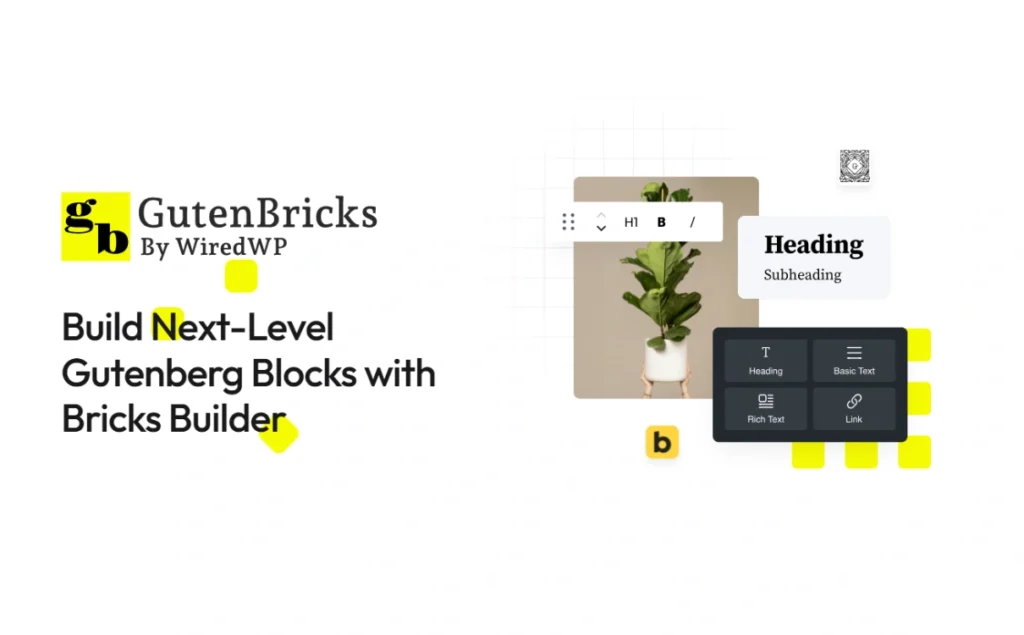
GutenBricks is a program that puts Bricks The templating and component capabilities of Gutenberg are “brought into” the Gutenberg plugin: once you've built the structure and style in Bricks, you can register it as a Gutenberg block for reuse by content editors. Officials emphasize its suitability for delivery and collaboration scenarios for agencies and freelance teams.
Key competencies:
- Variants: Prepare multiple layouts (e.g. left/right graphic, card style, etc.) in one block and switch between them as radio/thumbnail/dropdown when editing, without copying a bunch of similar blocks. Support binding same name fields for variants Value Binding, reusing the same content when switching styles.
- InnerBlocks: Create areas within blocks where other blocks can be embedded, and limit the types of sub-blocks allowed to be inserted, for a controlled “editable zone”.
- Dynamic data: 与 ACF/Meta Box Integration to render field values into blocks; also provides built-in GB:Meta Dynamic data sources.
- Customer Editing Experience: Support for customized block previews, embedded documentation, and “Dynamic data cannot be edited directly on the canvas” pop-ups allow non-technical editors to make rule-based changes in Gutenberg.
- Template Bundles: Manage which Bricks templates are registered as blocks/patterns by “packages” and control the visibility of the corresponding post types.
- Third Party Ecology: courtesy ACSS Integration notes and indicates preferred compatibility with common Bricks enhancement plugins (e.g. Advanced Themer, NextBricks, Bricks Extras, etc.).
Dependency and Compatibility:
GutenBricks Requires Bricks Builder installed and running.The official website also states that it will work with Bricks 2.0 Maintaining compatibility, the official Bricks roadmap also mentions a direction of “exploring Bricks components into Gutenberg in 2025”, with GutenBricks aiming to add value by providing enhanced variants, templates, and editing experiences in addition to its native capabilities.
Key Features
- Turn Bricks templates into Gutenberg blocks in one click!(No code, WYSIWYG build experience).
- Variants: Multiple layout switching in the same block;Value Binding Enabling cross-variant content sharing.
- InnerBlocks controlled nesting: Allow/restrict sub-blocks in the specified area.
- Field-driven dynamic data: Native Integration ACF/Meta Boxand provide GB:Meta.
- customer friendly: Block previews, embedded instructions, and customizable alert pop-ups to reduce misuse.
- Template Bundles Management (Template Bundles): Enabled as Blocks or Patterns by package, with visibility controlled by article type.
- Eco-compatible:supply ACSS Integration guide; prioritized adaptation with common Bricks enhancement plugins.
- Multilingual Practice:supply WPML/Polylang Essentials of Use and Setup Suggestions.
Target audience and usage scenarios
- Agents/Freelance Team: Rapidly produce “reusable branded block libraries” with Bricks, delivering them to clients to assemble on their own in Gutenberg, reducing maintenance costs.
- Content-intensive sites: Wanted to give editors the ability to replace copy/images and switch layouts (Variants) in blocks without sacrificing design consistency.
- Businesses that require field-driven content: e.g. cases, teams, courses, product cards, etc., with ACF/Meta Box unified management of fields and automatic rendering of blocks.
- Multi-language/multi-site maintenance: Combine with WPML/Polylang's content preservation strategy to improve cross-language editing stability.
Comparison of similar topics
| Core functional items | GutenBricks | ACF Blocks (Pro) | Genesis Custom Blocks | Lazy Blocks |
|---|---|---|---|---|
| 用 Bricks Build blocks visually without code | ✅ | ❌ | ❌ | ❌ |
| Variants(Multi-layout switching in the same block) | ✅ | ❌ | ❌ | ❌ |
| Value Binding(content shared across variants) | ✅ | ❌ | ❌ | ❌ |
| Template Bundles Template Package Management | ✅ | ❌ | ❌ | ❌ |
| InnerBlocks(Nestable sub-blocks) | ✅ | ✅ | ✅ | ✅ |
| ACF/Meta Box dynamic data | ✅ | ✅ (ACF) | ❌ (own field) | ❌ (own field) |
| ACSS/Bricks Eco-Integration Documentation | ✅ | ❌ | ❌ | ❌ |
| Whether to rely on Bricks Builder | ✅ | ❌ | ❌ | ❌ |
- ACF Blocks (Pro): PHP-based block framework, no need to dive into React/JS; supports InnerBlocks, Variations, Styles, suitable for developers to customize.
- Genesis Custom Blocks: Provides backend interface + simple template system to build customized blocks with PHP/HTML/CSS, includes Inner Blocks Field.
- Lazy Blocks: Define blocks and controls visually in the WP backend, with support for InnerBlocks Component.
Additional notes (differentiation):
The advantage of GutenBricks is that “Direct reuse of Bricks visualization and component architecture”, and provide Variants/Value Binding/Template Bundles and other advanced workflows oriented towards editing and reuse; while ACF/Genesis/Lazy Blocks are more oriented towards “Fields + Templates”Type Development.
User Feedback Highlights
- Delivery Efficiency Improvement: Components built with Bricks can reuse and switch layouts in Gutenberg, speeding up go-live and keeping the design consistent.
- Client editing for greater peace of mind: Editors can directly replace the content in the block, so it is not easy to “change the layout”, and the collaboration between the agent and the A-side is smoother.
- supportive of active: Developers and teams rate responsiveness and iterative attitude positively.
Suggestions for pairing with other plugins/themes
- field system: Prioritization of cooperation ACF/Meta Box Create unified field models and checksums, which are then rendered for output by the block.
- Style system: Suggested Pairings ACSSIf there is an existing Bricks ecosystem (Advanced Themer, NextBricks, Bricks Extras, etc.), incorporate it incrementally on a project-by-project basis.
- polyglot: When using WPML/Polylang, enable options such as “Save block content to article” per document to ensure that string translations are loaded consistently with the template.
Tips for use and selection (important)
- Installation of dependencies: GutenBricks needs Bricks Builder Works fine; deactivating Bricks/GutenBricks leaves existing content in place, but layout styles are not loaded.
- About Bricks 2.0: Bricks Official mentioned in route article on 2024-09-06 Gutenberg-related directions to be explored in 2025; GutenBricks has indicated that it will be compatible with 2.0 and provide value-added (e.g., variants vs. template workflows) in addition to the native capabilities.
Frequently Asked Questions (FAQ)
What is GutenBricks? What problem does it solve?
Build structures and styles visually in Bricks and register templates as Gutenberg blocks/patterns, bringing the componentization power of Bricks to the block editor to improve delivery and editing efficiency.
Do I have to install Bricks and is Bricks 2.0 supported?
Required.GutenBricks requires an installed and running Bricks Builder; official instructions will maintain compatibility with Bricks 2.0.
How do I create my first block?
Create a new template in Bricks, with the type set to “GutenBricks - Block”; (optionally) add one of the Template Bundles; go back to Gutenberg to use it in the enabled article types.
What if I can't find the block I just created in the editor?
Make sure the template type is “GutenBricks - Block”; if you are assigned to a Bundle, please enable the Bundle and make sure it is open for the target article type; if you still have problems, please follow the “Common Troubleshooting Steps” to check. If there are still problems, follow the "Common Troubleshooting Steps" to check.
Can you switch different layouts/styles for the same block?
Can. Configure multiple layouts for the same block via Variants, and switch between them as text radio, image radio, or dropdown when editing.
Will the filled content be lost after switching variants?
When Value Binding is enabled, the content of the same name field can be shared between different variants to avoid duplicate entries.
Can other blocks be nested within a block? Can you limit the sub-blocks that can be inserted?
InnerBlock can be used to embed other blocks in a given area, and to limit the types of sub-blocks allowed, set default sub-blocks, etc. (Note: Gutenberg rule is that only one InnerBlocks can be included per block).
How to access dynamic data (e.g. ACF / Meta Box)?
Supports ACF / Meta Box and the built-in GB:Meta. Please set the correct Location rule in ACF to make fields visible in the editor sidebar; flexible rendering is also available with code blocks.
How to set up a multilingual site (WPML / Polylang)?
There are two ways to do this: one is to use string translation; the other is to create separate pages and blocks for each language. If you use string translation, please enable “Save block content in post”; if the template keeps only one language, you can also enable “Load blocks for all languages”.
Will I get a white screen/loss of content when I disable GutenBricks or Bricks?
When “Save block content in post” is enabled, the block content is saved as fallback content; even if the relevant component is temporarily disabled, the page will still display the base content (complex styles/interactions may be affected).
Why are the styles in the editor slightly different from the frontend? How to deal with it?
The editor has additional wrappers that can be enabled with the Block Wrapper Dynamic Class, injected with the necessary CSS for the editor, or optimized for the snippet given in the documentation to bring the editing experience closer to the frontend.
Is it possible to let customers switch between full page templates in Gutenberg?
You can. Create a “GutenBricks - Page Template” and use the Post Content element in it to select different page templates to render on the Gutenberg side.
What are some troubleshooting suggestions when the frontend doesn't render/goes blank?
Enable “Render With WordPress” in the admin toolbar; check that the styles are written in code snippets external to Bricks (the editor can't inject them automatically); and verify that the Location rule is set correctly for ACF/Meta Box.
Is it compatible with third-party ecologies such as ACSS, Bricks Extras, etc.?
The official ACSS integration guidelines and common style compatibility instructions are provided, and the compatibility status and precautions with ACSS, Bricks Extras and other ecosystems are listed in the “Third Party Integration”.



