Download Version
- Spectra Pro v1.2.8
Spectra Pro Core Introduction
Product Overview
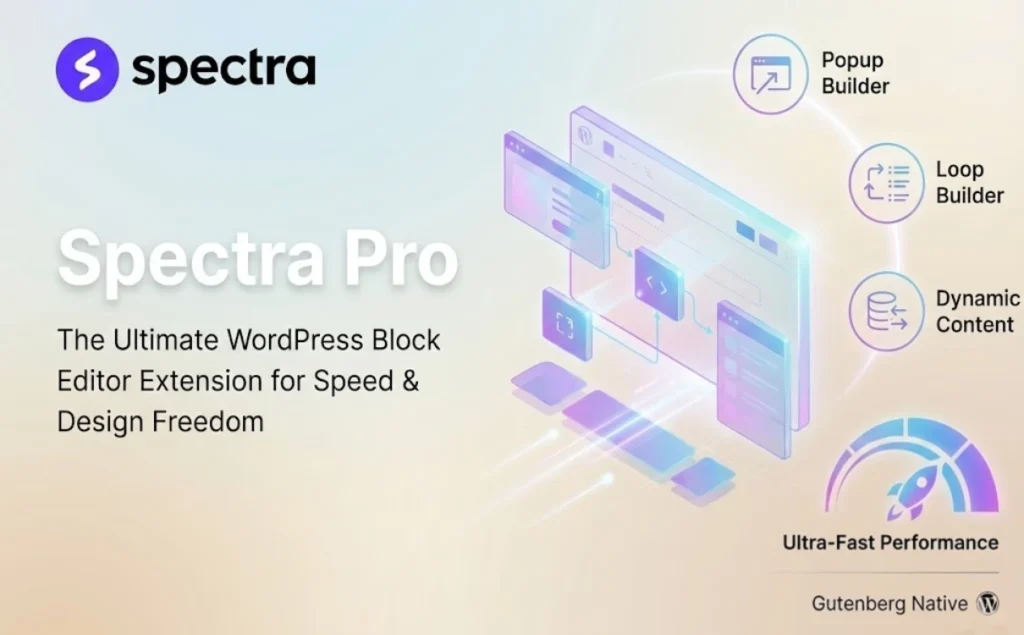
Rather than being “just another page builder”, Spectra Pro layers a more specialized set of site-building capabilities on top of the WordPress default block editor: you'll still be editing content in Gutenberg, but you'll have access to a more complete set of marketing components and dynamic display capabilities, thus reducing the need to rely on a large number of fragmented plugins and custom code. components and dynamic display capabilities, thus reducing your dependence on a large number of fragmented plugins and custom code.
It is especially suitable for websites that need to “present content at scale”: e.g. blog/media content listings, portfolios and case studies, course and membership content portals, e-commerce product and category aggregation pages, etc. With Loop Builder, you can upgrade the “list page” from a mere article archive to a filterable, sortable, paginable, reusable content module.
For growth and conversion scenarios, Spectra Pro's Popup Builder and display conditions (by login status, user role, browser/system, date, etc.) allow you to make the same page a “different content for different people” experience, which can be used to lead to signups, campaign exposure, repeat visitors, recall and other common operational actions. Recall and other common operational actions.
Key Features
Popup Builder (marketing popup builder): The pop-up window can be built in the blocking interface, supporting multiple triggering methods and display strategies, and can be designed in the style of “Push content”, which can be used for campaign exposure and conversion guidance.
Advanced Loop Builder: Provide instant search , flexible sorting , strong filtering and Ajax pagination and other capabilities , suitable for content station / e-commerce to do a stronger list and navigation experience .
Dynamic Content: Can work with common custom field solutions (such as ACF, Toolset, Meta Box, Pods, JetEngine, etc.), and support WooCommerce data display, do “templated + data-driven” page.
Display / Responsive Conditions: Hide or show blocks by user status/role/browser/system/date, etc., and also do responsive display strategies by device type.
Global Styles: Maintain consistency with a unified style base, making multi-page, multi-module designs more controllable and easier to reuse.
Image Masking: Apply built-in shape masks or custom SVGs to images directly in the editor for a more recognizable layout.
Animations: Add more vivid dynamic effects to the blocks to enhance the page presentation.
Multiple Pro Block Reinforcement: The components include Slider Pro, Countdown, Login / Registration, Modal Pro, etc., covering common marketing and interaction components.
Performance oriented loading method: Includes a load-on-demand mentality (loading scripts and styles only when needed) to reduce extraneous resource overhead.
Spectra AI (optional AI assistant): Used for content generation, code/setup assistance, etc., and needs to be connected to ZipWP.
Target audience and usage scenarios
Content sites/media/blogs: Need stronger content aggregation pages (category/tag/topic pages) - filtering, searching, pagination with reusable list layouts.
WooCommerce E-commerce: Make more flexible product aggregation and display modules, combined with dynamic content to bring “product information” into a richer layout and components.
Corporate site/service-based landing page: Enhance campaign acceptance and lead conversion with pop-ups, countdowns, rotators, modals and other components.
Agencies/Studios/Outsourcing Teams: Use global styles and reusable patterns/components to ensure consistency of delivery and iterative efficiency.
Membership/Course/Tiering Operations: Display different blocks of content by user status/role, etc. for finer-grained page personalization.
Comparison of similar plugins
| Core functional items | Spectra Pro | Kadence Blocks Pro | Stackable Premium | GenerateBlocks Pro |
|---|---|---|---|---|
| Dynamic content (dynamic fields/dynamic data) | ✅ | ✅ | ✅ | ✅ |
| Display conditions/visibility control (by user status/role, etc.) | ✅ | ✅ | ✅ | ❌ (not explicitly anchored in their core competencies) |
| Content Loop/Query Loop Enhancements | ✅ | ✅ (Query Loop related capabilities) | ✅ (emphasis on deeply customizable Query Loops) | ✅ (Dynamic Data + Query Loops) |
| Station Popup Builder (Popup Builder) | ✅ | ❌ | ❌ | ❌ |
| Global Styles/Design System (Global Styles) | ✅ | ❌ | ✅ | ✅ |
| Image Masking | ✅ | ❌ | ❌ | ❌ |
| AI Assist (optional) | ✅ | ❌ | ❌ | ❌ |
Differences and selection recommendations
Spectra Pro's more prominent exclusives/strengths
- “Popup Builder + Advanced Loop Builder”More on the marketing & operations landing side: popup guidance + filterable content/product aggregation, the combination is great for growth pages & content navigation.
- Design-side reinforcement is more comprehensive: e.g. Image Masking、Global StylesThe block editor is a “deliverable-level page system” that is closer to a block editor than an animation system.
Directions for more common advantages of alternatives (selection tips)
- Kadence Blocks Pro emphasizes more on dynamic content and condition display in its own block system (more on the “component engineering” route).
- GenerateBlocks Pro is more “lightweight + structured + global style / dynamic data”, suitable for the pursuit of minimalist component sets, design systems with the structure of the crowd.
User Feedback Highlights
“Amazing speed”: Numerous users have reported that after migrating from a traditional builder to Spectra, Google PageSpeed Insights scores went straight from the yellow/red zone to the 90+ green zone.
“Clean interface”: Users appreciate that the UI design is fully integrated into the WordPress native style, with no abrupt pop-ups or complex settings panels, and the operation is intuitive and smooth.
“Functionality 2 in 1”: Many users report that Spectra Pro has allowed them to successfully uninstall their old “page builders” and “pop-ups” and streamline the number of plug-ins on their websites.
Suggestions for pairing with other plugins/themes
Thematic recommendations: Ideal for pairing with themes that favor performance and block ecology (e.g. Astra, etc.) for a more consistent page structure and speed performance with a block approach.
E-commerce recommendationsMatching WooCommerceThe Loop Builder uses dynamic content for product aggregation, feature pages, filtered lists, event landing pages, and more.
Custom fields/content modeling: If you have a lot of “structured content” (persona, work, case, database), feed the field data directly to the block templates for display with ACF/Toolset/Meta Box/Pods/JetEngine etc.
Membership / Tiered Operations: Combined with any “provide user login/role system” solution, differentiate the content exposure by display conditions (e.g., display a certain module only for logged-in users, display special price blocks for specific roles, etc.).
Frequently Asked Questions (FAQ)
1. What is Spectra Pro? How is it different from Spectra (Basic)?
Spectra Pro is a premium version of Spectra (a site builder plugin based on the Gutenberg block editor) that extends the capabilities of Spectra, focusing on Dynamic Content, Loop Builder, Popup Builder, Global Styles, and animations, and other more “delivery-level site building” features.
2. Is it necessary to use Gutenberg (block editor)?
Yes, Spectra is positioned as an enhancement tool that “works on top of WordPress” default block editor", so it's primarily geared towards Gutenberg's content and page building process.
3. I'm using a page builder like Elementor / Divi for my site, can I still use Spectra Pro?
It's usually possible to coexist; Spectra mentions in the plugin's description that it's compatible with the major page builders and tries to avoid interfering with each other; you can choose to use the block editor + Spectra approach to building content for only some of your pages.
4. Is there a requirement for a theme? (Astra/Blocksy/Flatsome etc.)
Spectra is designed to work with most WordPress themes, and the plugin page lists a number of common themes (e.g. Astra, Blocksy, Flatsome, GeneratePress, etc.) that will work with it.
5. What are the main site building needs that Spectra Pro is suited to address?
If you want to accomplish the following needs in Gutenberg, Spectra Pro is more on the right track:
- Manage site-wide design consistency (colors/fonts/variables/classes) with Global Styles
- Drive page content with dynamic fields/product data (reduce manual maintenance)
- Build Reusable Content List / Product List (Loop Builder / Query Loop)
- Make marketing popups/info bars and set up triggering and display rules
6. What data sources can Dynamic Content interface with?
Spectra's dynamic content capabilities emphasize pulling data from common sources, such as the WordPress custom field system, and explicitly mentions working with ACF, Pods, Meta Box, etc.; it can also be used to present WooCommerce related dynamic data! Scenarios.
7. Can complex fields such as ACF Repeater be used?
Spectra has provided instructions for ACF Repeater Field and has confirmed compatibility with the Dynamic Content feature in a community support response (the actual demonstration is still recommended to do a validation under your theme and field structure).
8. What can Loop Builder / Advanced Loop Builder do?
Loop Builder is used to build content loops (articles, products, reviews, news, etc.) based on Query Loop and supports display by category, tag or custom query.Spectra Pro also introduces Advanced Loop Builder, which emphasizes a stronger listing experience (e.g. filtering/searching/pagination directions).
9. What triggers and display rules does Popup Builder support?
Popup Builder can be used to create popup windows or information strips, and provides configurable display scope and trigger methods (such as page load trigger, Exit Intent, scroll/delay, etc., and supports the idea of triggering by elements/custom class trigger). You can also set which pages to show or exclude.
10. What is the difference between Display Conditions and Responsive Conditions?
Display Conditions: The preference for “show/hide blocks by rule” needs to be configured in the Advanced area of the block after enabling it in Blocks/Extensions in Spectra.
Responsive Conditions: Change “Show or hide content oriented by device size/type”.
11. What value do Global Styles bring? How do they relate to theme styles?
Global Styles turns “style consistency” into a maintainable design system by letting you define colors, typography, spacing rules, CSS variables, and reusable classes in one place; inherit swatches from your theme, or customize them and reuse them site-wide.
12. Does Image Masking alter the original image? Is it adaptive?
The description of Image Masking emphasizes that the masks are more like “crop shapes” that don't modify the original image file and can be previewed instantly in the editor and will adapt to different screens.
13. Will Spectra / Spectra Pro slow down the site?
Spectra emphasizes the idea of on-demand loading: only when the page is actually used in a certain block, the relevant CSS/JS will be loaded; but also provides “file generation (from CSS/JS inline to generate files)” and other loading method control, used to further optimize performance.
14. What should I do if I have caching/compression enabled and I am experiencing non-updated styles or missing block styles?
You can prioritize Spectra's “File Generation/Resource Loading Methods” idea: for example, after generating independent CSS/JS files, you can clean up the site cache/CDN cache to avoid old resources being cached for a long period of time.
15. Can Spectra be used for client sites? Is it suitable for studio/outsourced delivery?
Spectra makes it clear in the plugin FAQ that it can be used on both your own and client sites; the Global Styles + reusable blocks/templates idea is also more conducive to standardized deliveries for teams that need to deliver pages in bulk and with uniform styling.
16. Is it compatible with common plugins like WooCommerce, Membership, LMS, etc.?
Spectra lists compatibility examples with a variety of common plugin directions (including WooCommerce, MemberPress, Restrict Content Pro, LearnDash, TutorLMS, etc.) on the Plugins page and emphasizes that it can be used in e-commerce vs. membership/course scenarios.