


Download Version
- WP Activity Log Premium v5.4.2
Introduction to WP Activity Log
Product Overview
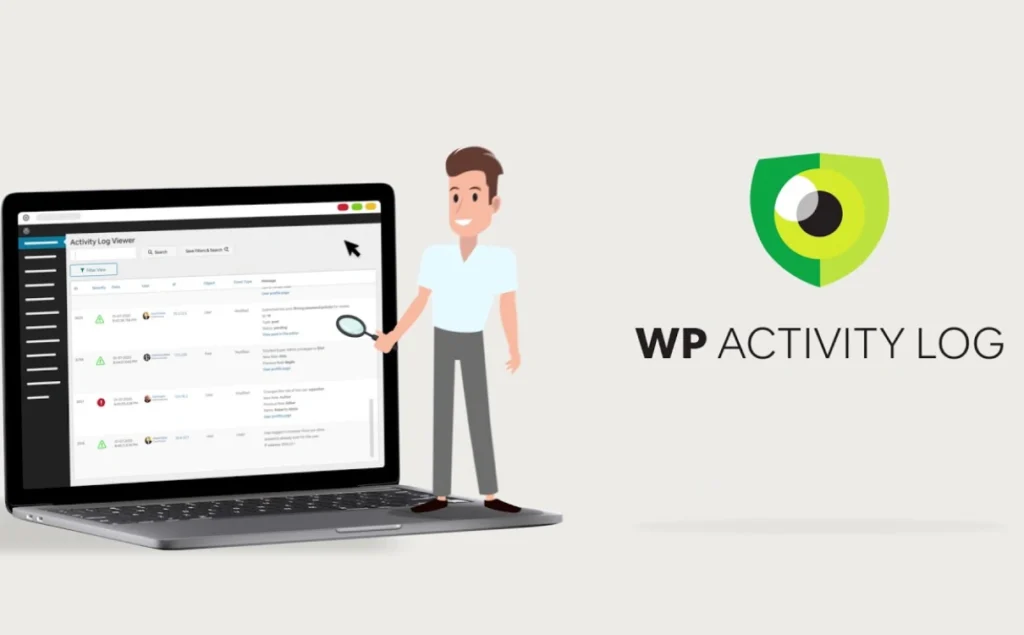
WP Activity Log (formerly known as WP Security Audit Log) is a plugin that focuses on tracking all aspects of WordPress backend and user behavior. It monitors everything from user logins and logout failures to post/page/custom type changes, plugin theme installation and activation, third-party plugin activity such as WooCommerce/Yoast/WPForms, and system settings changes. The plugin is ideal for WordPress administrators or security teams working with multiple users, site security audits, strong compliance requirements (e.g. PCI-DSS/GDPR), and the need to troubleshoot issues and maintain change logs.
It allows administrators to quickly locate anomalies and control multi-user behavior through log views, real-time notification and reporting features, and also supports mirroring logs to external databases or log management platforms to meet performance, security and long-term storage needs.
Key Features
- ✅ Comprehensive tracking of WordPress core, content, plugins, themes and third-party plugin action events
- ✅ Real-time log viewing with advanced filtering capabilities (by user, type, severity, time, etc.)
- ✅ Customized notifications: email, SMS, Slack alerts
- ✅ User session management: real-time view of online users, forced logout sessions
- ✅ Log export to HTML & CSV reports (for Audit & Compliance)
- ✅ Support for external database storage, log mirroring (Loggly, CloudWatch, Papertrail, etc.)
- ✅ Enable/disable logging by event type, support exclusion of specific users, IPs, objects, etc.
- ✅ Multi-site (Multisite) environment support, i.e. the free version covers most logging projects!
Target audience and usage scenarios
- Multi-user collaborative environments (enterprise sites, membership sites, educational platforms, content teams, etc.)
- Operator of WooCommerce, membership systems, forum plugins (e.g. MemberPress, bbPress)
- Sites that need to meet data compliance (e.g., GDPR, PCI-DSS) and keep a record of changes
- Ops teams that frequently make backend configuration changes, plugin upgrades, and content edits
- Organizational users who want to centralize log management and integrate with SIEM/logging platforms
Comparison of similar topics
| Functions | Current Product (WP Activity Log) | Simple History | Activity Log |
|---|---|---|---|
| Full user/system operation tracking | ✅ | ✅ (partial) | ✅ (simplified) |
| Third-party plugin (WooCommerce, Yoast, etc.) support | ✅ | ❌ | ❌ |
| Real-time online user session management | ✅ | ❌ | ❌ |
| Notifications (Mail/SMS/Slack) | ✅ (configurable) | ❌ | ❌ |
| Log export to report (HTML/CSV) | ✅ | ❌ (logs only) | ❌ |
| External Log Storage / Mirroring | ✅ | ❌ | ❌ |
- WP Activity Log Unique third-party plugin full coverage, real-time user session management, notification configuration, report export and external storage integration features, is currently the most comprehensive WordPress activity logging solution.
- Simple History 和 Activity Log All are lightweight logging plugins, limited to basic operation logging, and do not provide session management, notification and external integration features.
User Feedback Highlights
- “★★★★★ is rated about 4.6/5 and has 200K+ active installs”
- “The most full-featured WordPress Activity Log plugin” “Provides rich fine-grained logging in both the free and paid versions” in multiple reviews”
Suggestions for pairing with other plugins/themes
WP Activity Log can be used with the following common plugins to form a complete website management and security system:
- Page Builder: Compatible with Elementor, Beaver Builder, etc., does not interfere with page construction, only monitors content changes.
- e-commerce plugin: WooCommerce support for tracking orders, products, coupons, account changes and more!
- Membership System: Compatible with MemberPress, bbPress, record member registration, subscription, forum posting operations, etc.
- Forms plugin: Support for WPForms, Gravity Forms, tracking form configurations and entry changes.
- Security/2FA Plug-inIntegration with WP 2FA and Melapress Login Security to trigger logs and alerts on abnormal logins.
- Log Analytics Platform: Docking with Loggly, AWS CloudWatch, Papertrail, Syslog through mirroring to achieve centralized log management and long-term storage.
Frequently Asked Questions (FAQ)
Does the free version limit what data is collected?
No. The free version of WP Activity Log collects the same kinds of events as the paid version, including all logs for core, plugins, theme changes, user actions, etc.
How long is log data retained by default? Can it be customized?
The default retention is 3 months, but the retention policy can be adjusted via plugin settings to support indefinite storage.
Where are logs stored? Is external storage supported?
Stored in WordPress' own database by default. The paid version (Enterprise) supports writing logs to an external database or synchronized mirroring to SIEM services (e.g. AWS CloudWatch, Loggly, Papertrail, Syslog).
Can I export logs or generate reports?
The paid version supports the generation of reports in HTML and CSV formats, suitable for auditing, sharing and archiving. The free version does not include this feature.
Can you monitor online user activity in real time?
Yes. The paid version provides real-time online user list, current activity monitoring and forced logout.
How do I configure notifications and alerts?
In the paid version, custom triggers can be created to notify administrators in real time via email, SMS or Slack when specific events occur.
Who has access to the Activity Log?
By default, only Admin or Super Admin privileged users can view the logs. Plugin settings support restricting access by user or role, and you can also hide the plugin interface.
Do plugins affect site performance?
The plugin is optimized and designed to not significantly impact performance by default. However, in the case of large logs or when full event tracking is enabled, it is necessary to ensure that the server has sufficient resources to cope with the operational load.
Can I still view previous activity logs after installation?
No. The plugin only starts logging when it is installed. Plugins are only logged from the moment they are installed and activated; WordPress itself does not store the history of backend operations.
How do I get support if I have a problem?
Free users can get help from the official WordPress.org support forums.
Paid subscribers receive one-on-one email support, as detailed in the official Melapress Knowledge Base.



