



Download Version
- Integrate Google Drive Premium v1.5.7
Introduction to Integrate Google Drive
Product Overview
Integrate Google Drive is a full-featured Google Cloud Drive integration plugin for WordPress that enables you to access, manage and display files and folders in Google Drive directly on your WordPress website. Designed for users with no programming experience, this plugin provides an intuitive interface and rich feature modules that enable you to easily browse, manage, embed, display, upload, download, search, play and share Google Drive content. By seamlessly integrating cloud storage with WordPress, it not only helps you save valuable hosting storage space, but also simplifies the digital asset management process and improves the efficiency of website content management. Whether you are a personal blogger, content creator, educational institution or corporate webmaster, you can easily solve the challenges of cloud file management and display with this plugin, providing visitors with a richer content experience.
Key Features
- Specific Folder Access Control: Restrict the plugin to access only the Google Drive folders you specify, protecting privacy and sensitive data.
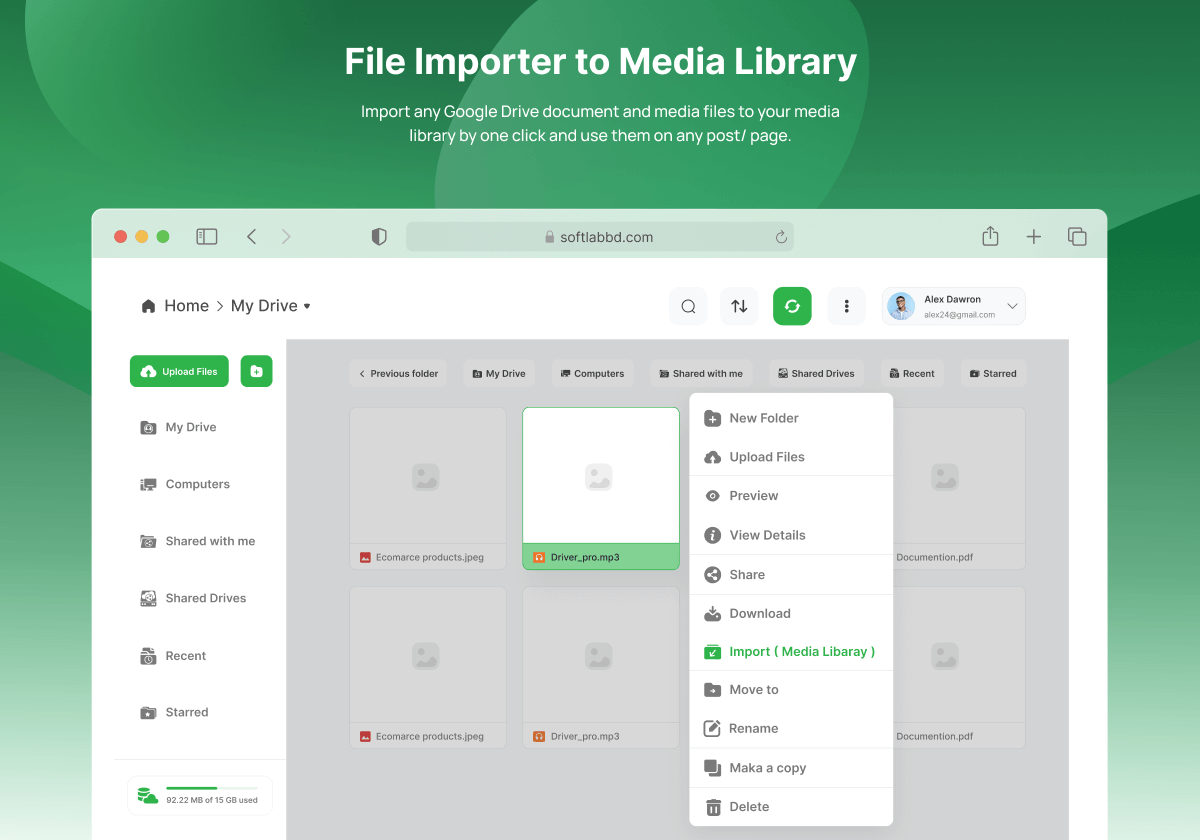
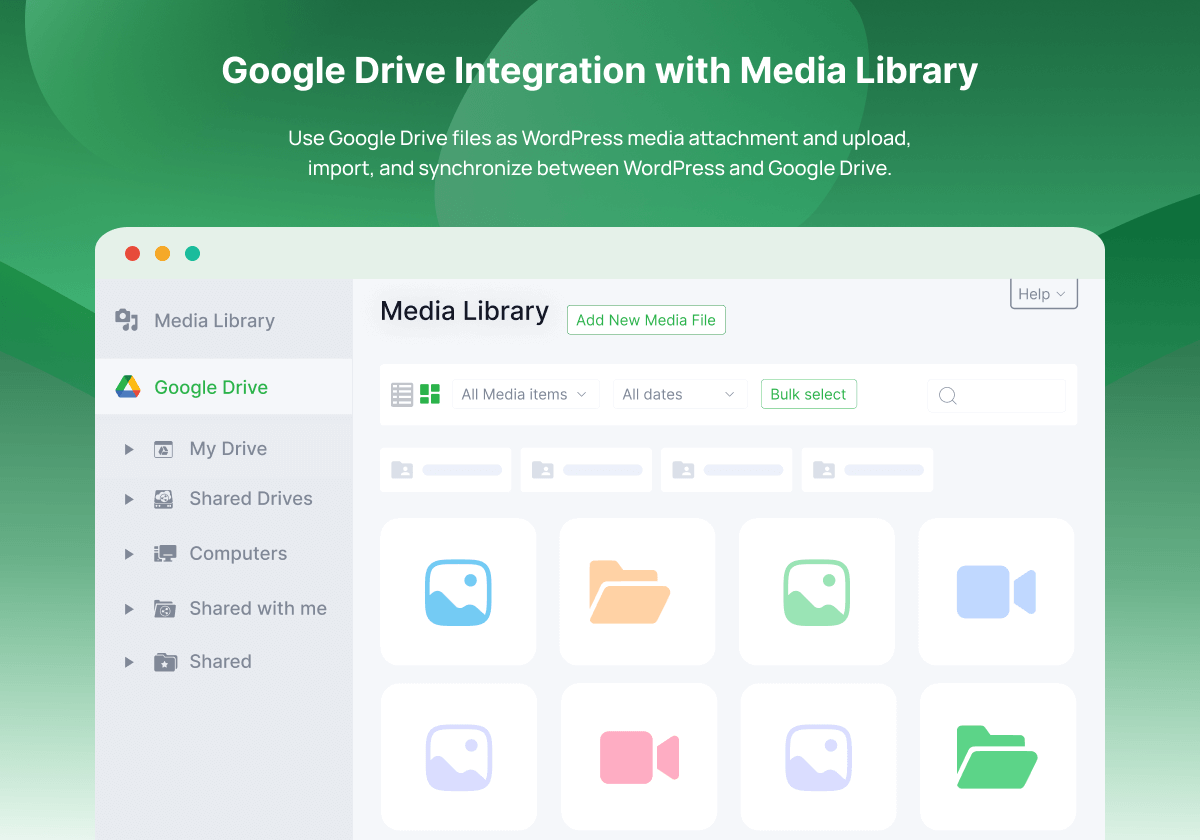
- Media Library Integration: Use Google Drive files as media attachments directly to WordPress, with support for uploading, importing and synchronization
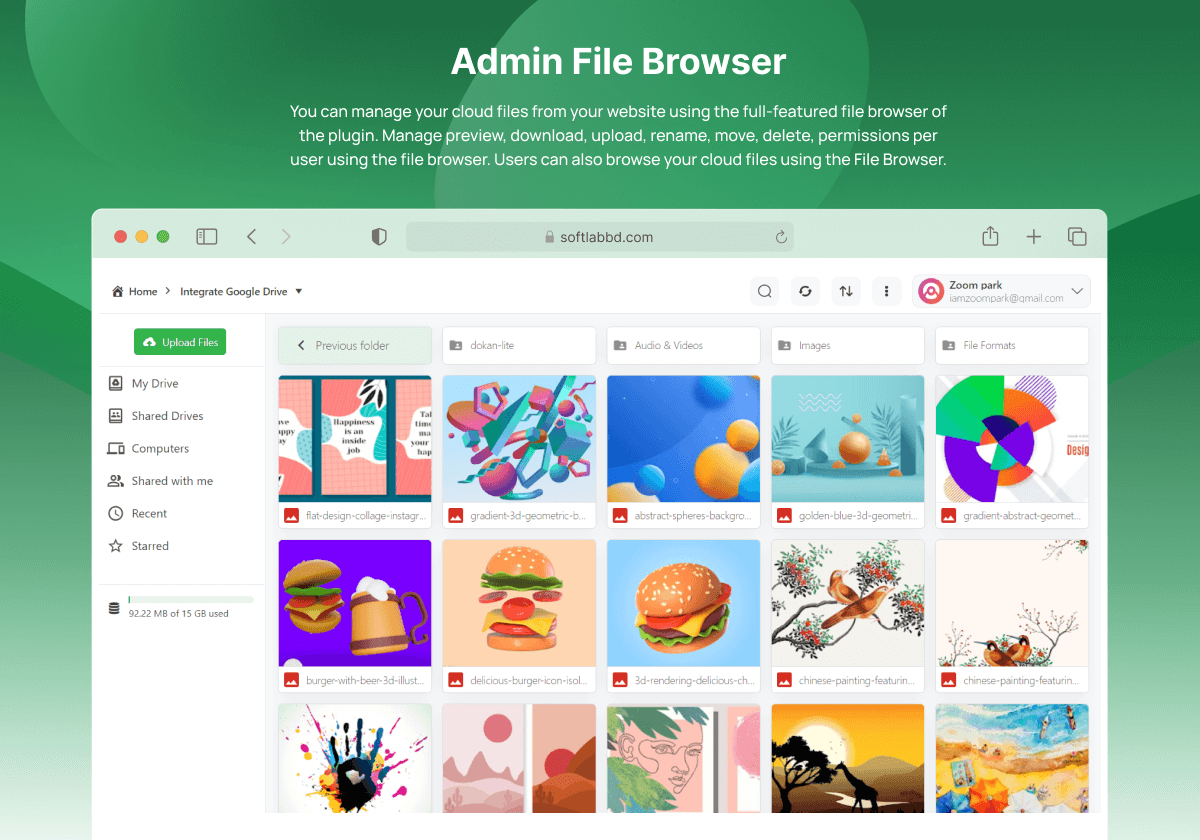
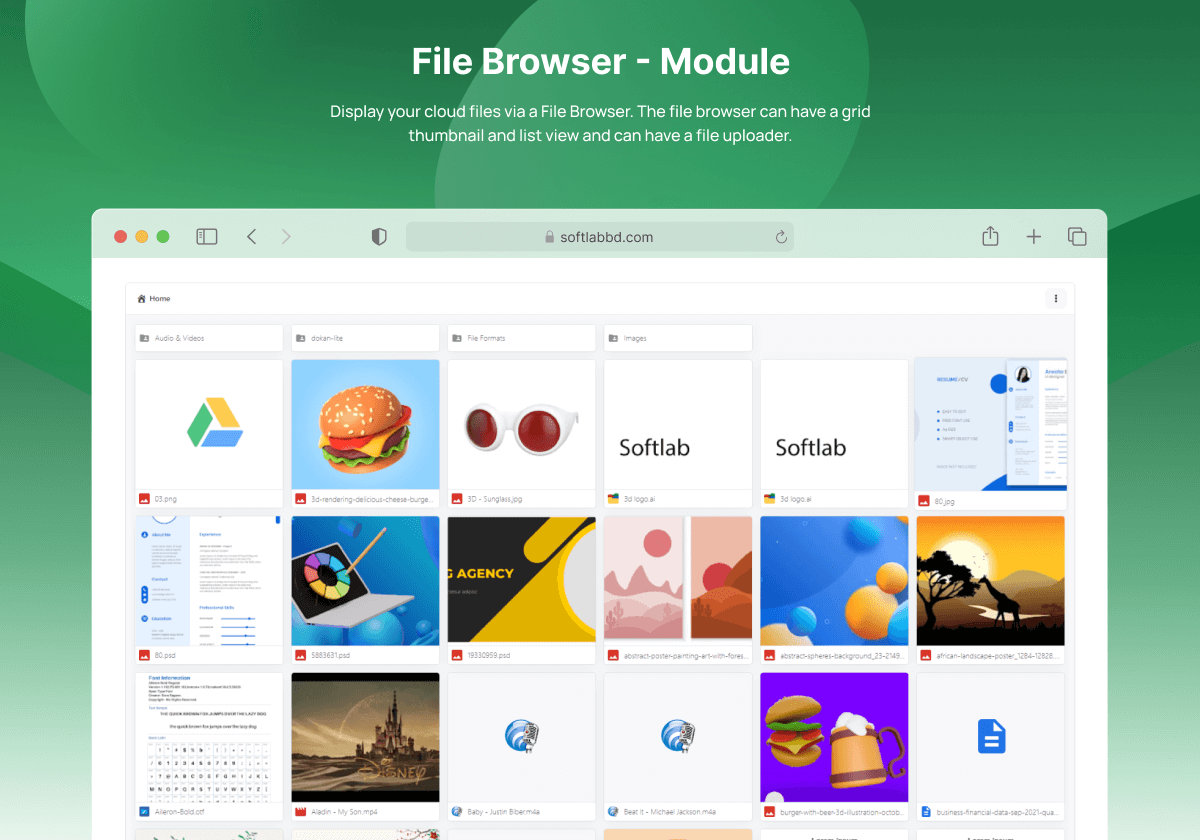
- Interactive File Browser: Provides grid thumbnail and list views to easily manage files in the cloud
- File Uploader: Upload files directly from websites to Google Drive with progress bar and media previews
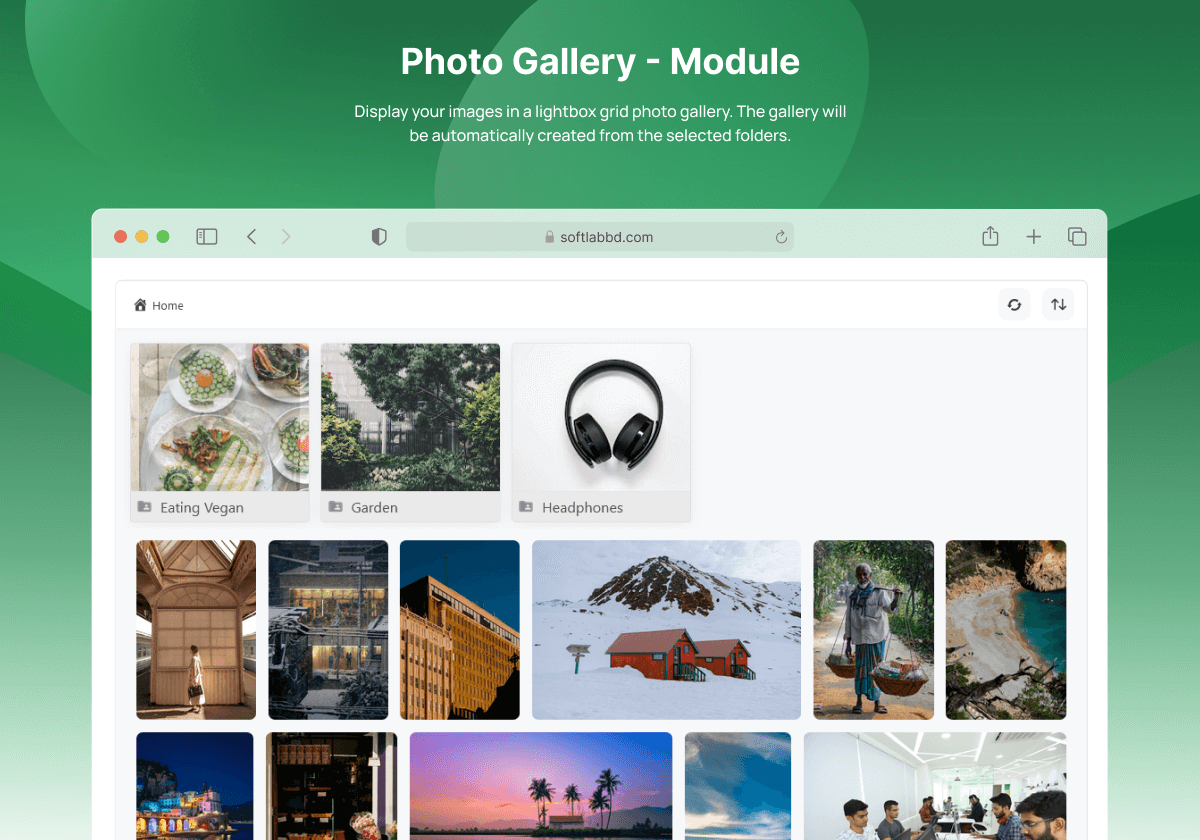
- Photo gallery: display Google Drive images in a masonry grid layout with lightbox preview support
- Rotating slider: create slideshows of Google Drive images or videos with autoplay and navigation buttons support
- Media player: play Google Drive audio and video files, create playlists
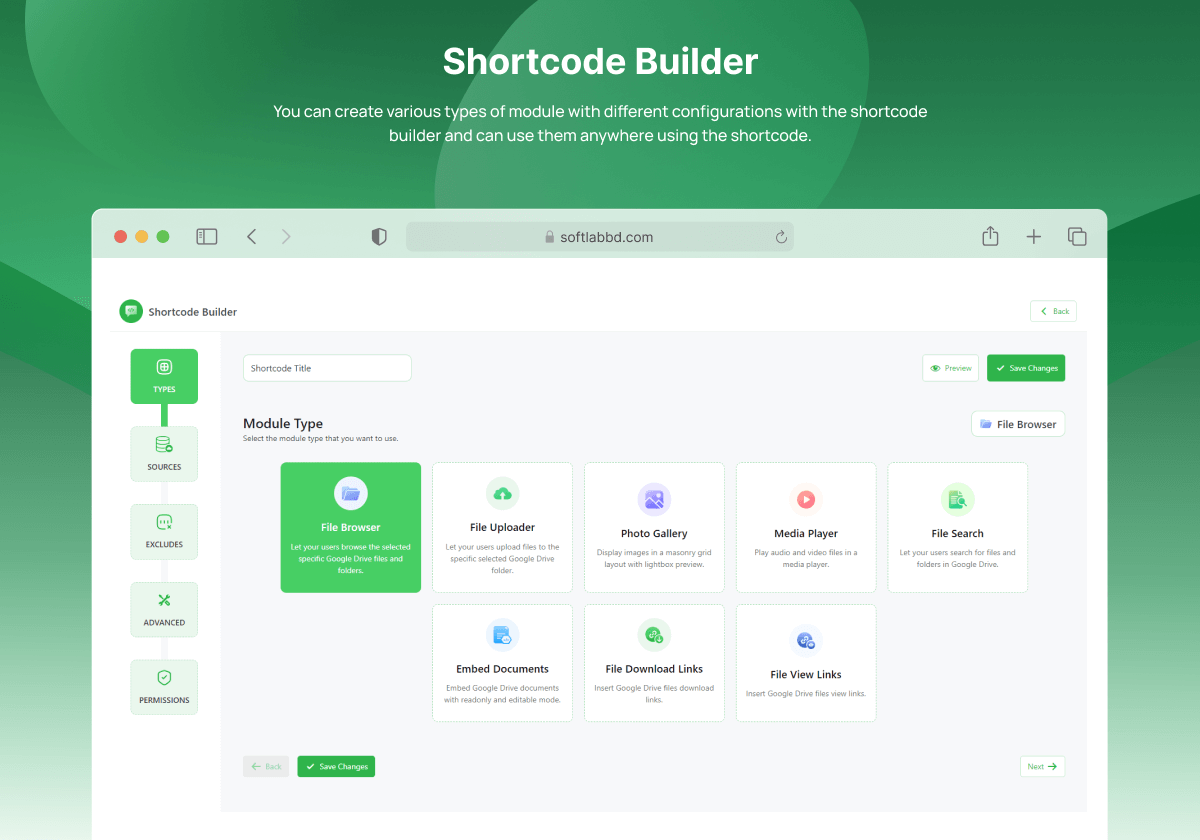
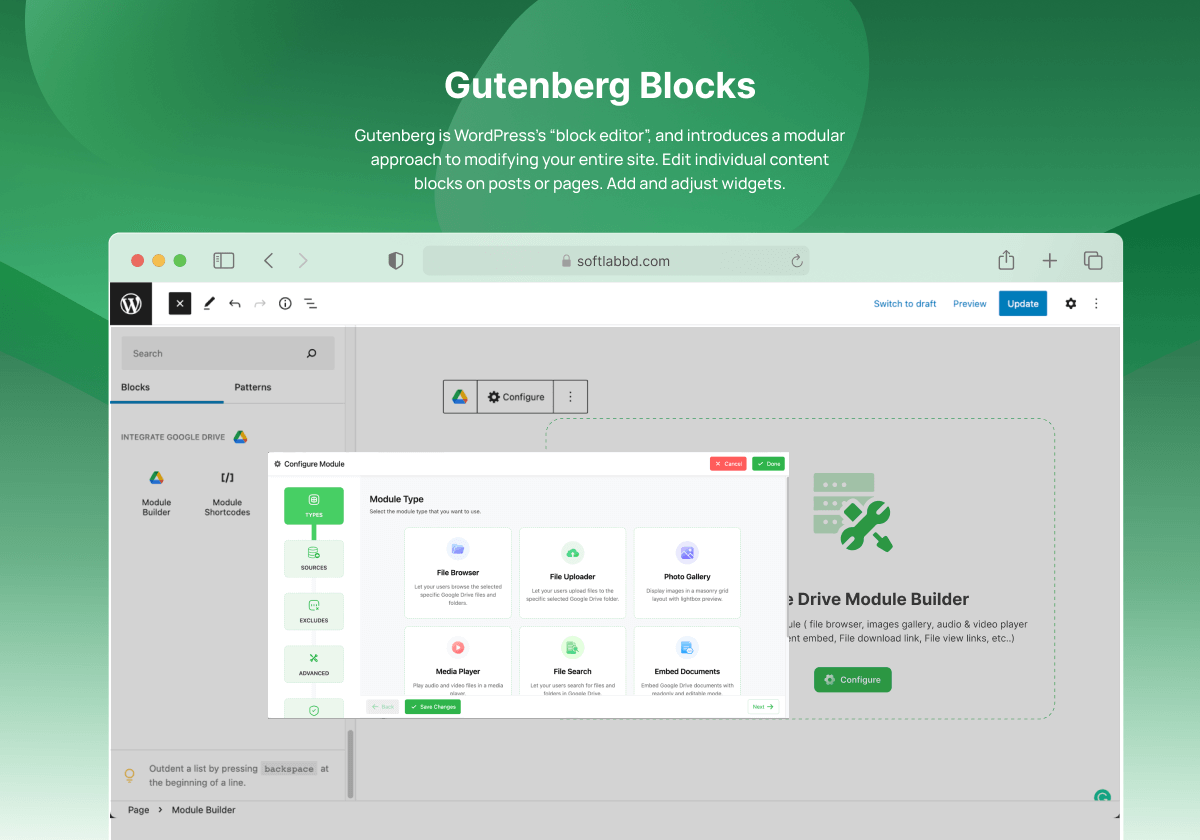
- Short code generator: easily create various modules and display them anywhere on your website without coding!
- Multi-Google account support: link multiple Google accounts to share files from specific accounts
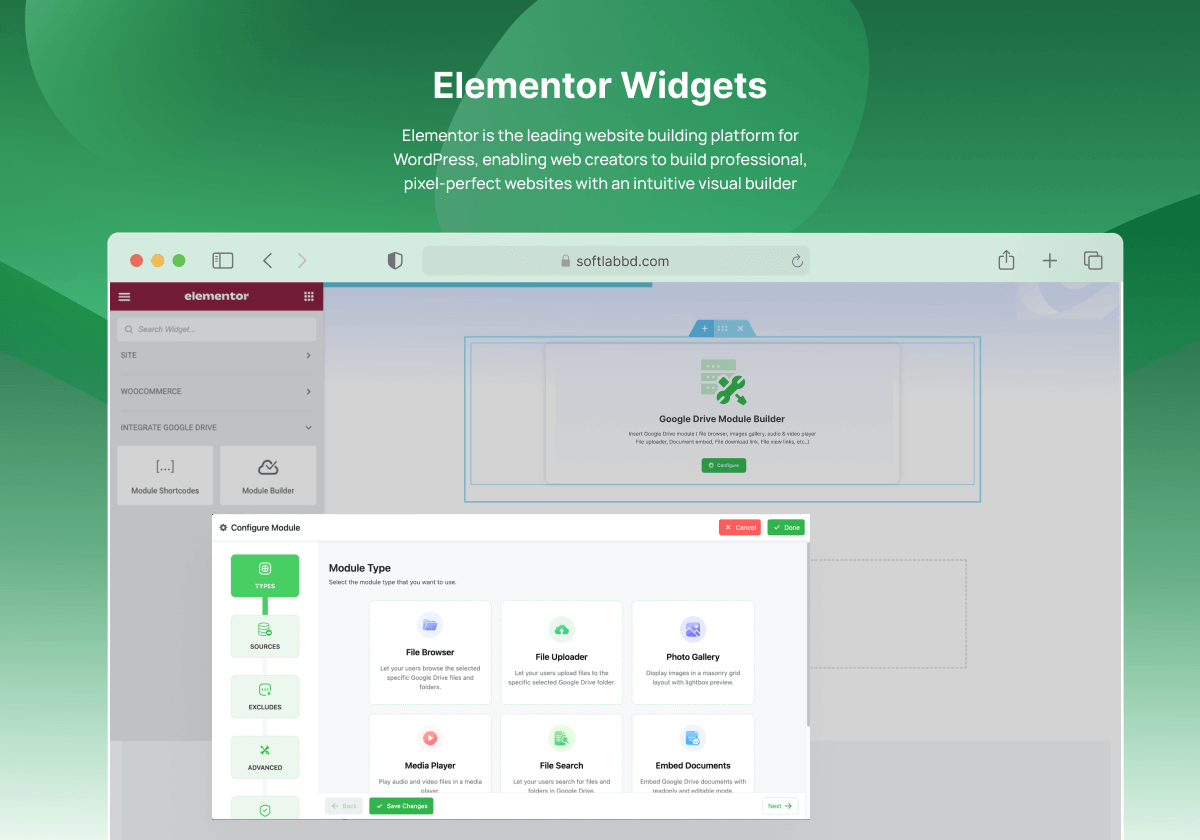
- Mainstream page builder compatibility: supports Classic Editor, Gutenberg, Elementor and Divi, etc.
- Form Plugin Integration: Compatible with popular form plugins such as Contact Form 7, WPForms, GravityForms, etc.
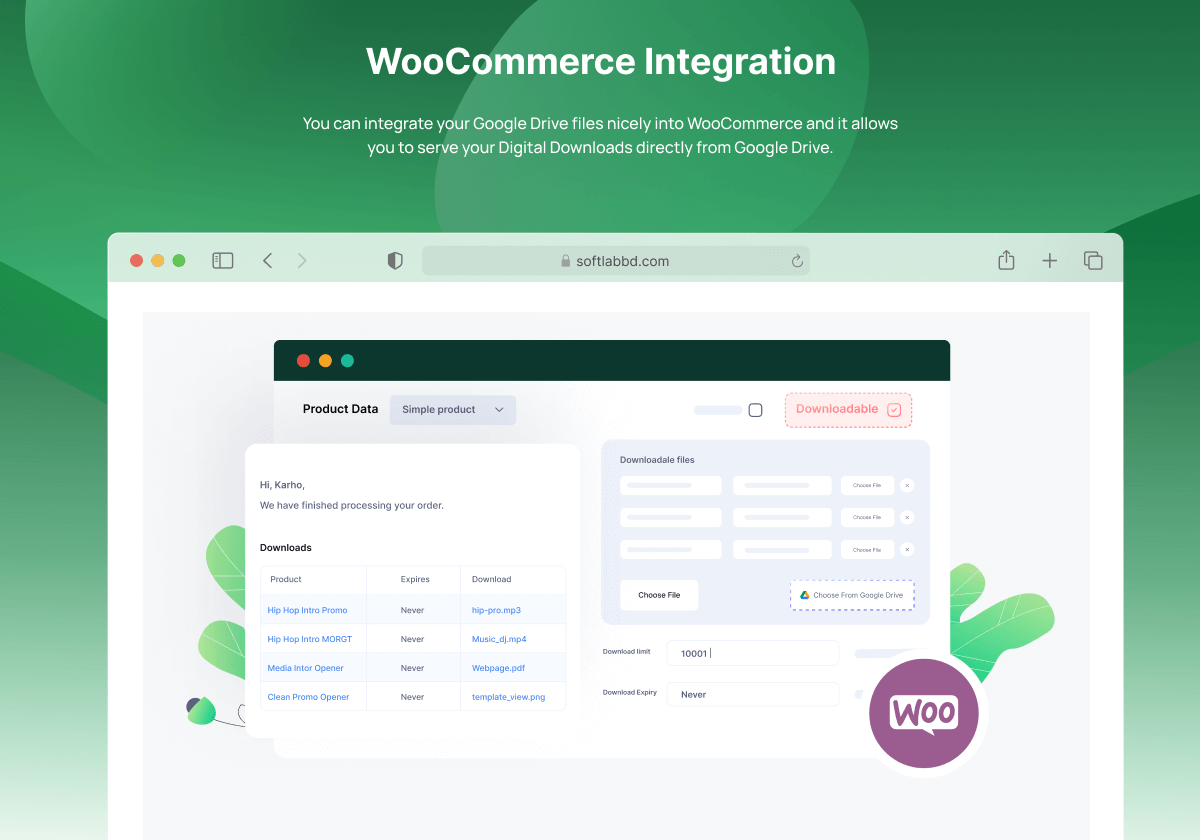
- WooCommerce Support: Downloadable Product Files Directly from Google Drive


Target audience and usage scenarios
- Content creators and bloggers: save hosting space by utilizing cloud storage to display large amounts of media files
- Corporate and organizational websites: securely share and display company documents, presentations and media resources
- Educational institutions and online courses: sharing learning materials, video tutorials and course documentation
- E-commerce site: provides product brochures, user guides and large downloadable files
- Photographers and designers: display portfolios and high-resolution images without taking up hosting space
- Multimedia content sites: hosting and playback of audio and video content, creation of media libraries
- Websites that need file upload functionality: allow users to upload files to your Google Drive
- Collaborative projects and teams: sharing and managing team files in a WordPress environment
Comparison of similar plugins
- Compared to WP Media Folder: Integrate Google Drive provides more comprehensive Google Drive integration, not only limited to media management, but also includes a variety of modules such as file browsing, uploading and displaying.
- Compared to Google Drive Embedder: Integrate Google Drive offers richer presentation options (e.g. gallery, rotate, media player) than just embedding files!
- Compared to Google Drive for WordPress: Integrate Google Drive supports multiple Google accounts and offers stronger media library integration and page builder compatibility!
User Feedback Highlights
- Users generally appreciate the intuitive interface and ease of use, which allows even non-technical users to get started quickly
- Multiple users have reported that the plugin has significantly reduced their hosting storage usage while improving site loading speeds
- Business users especially like its secure folder access control feature that allows them to manage exactly what can be accessed
Matching Suggestions
- Work with Elementor or Divi page builders to create visually appealing document presentation pages
- Integration with WooCommerce to provide large digital product downloads without taking up hosting space
- Works with learning management system plug-ins like LearnDash or LifterLMS to easily manage and distribute course materials
- Integration with membership plugins such as MemberPress or Paid Memberships Pro to provide exclusive file access for different membership levels
- Pair with multilingual plug-ins such as WPML or Polylang to create document management systems in multilingual environments







No Comments