


- Unlimited access to members-only content
- Member discounts on paid items
- More Membership Benefits
Confirm Purchase
Download Version
- Draw Attention Pro v3.0.28
Introduction to Draw Attention
Product Overview
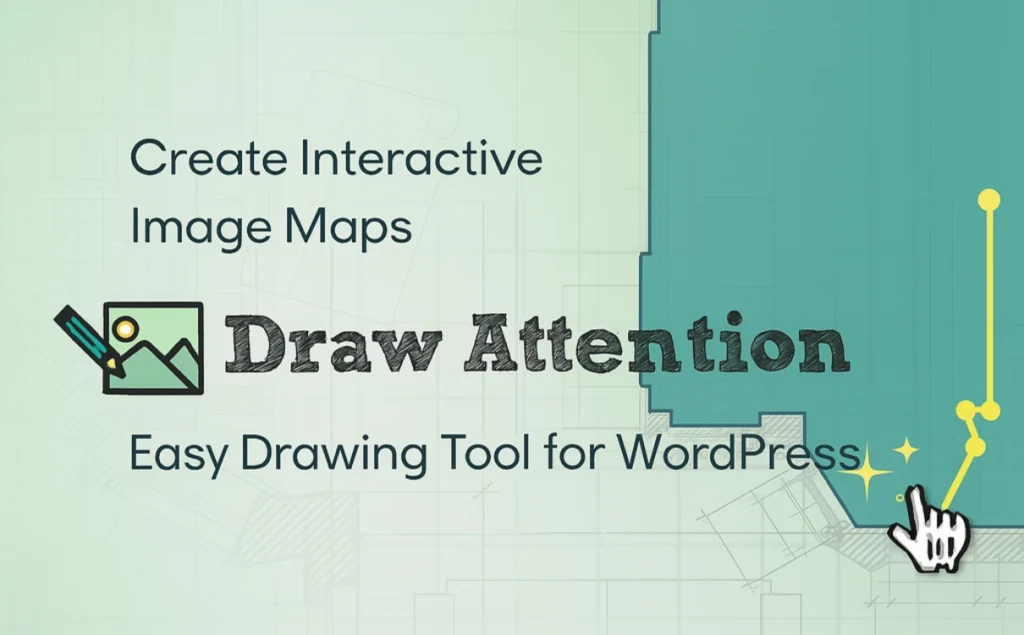
Draw Attention is a powerful WordPress plugin designed to turn static images into engaging interactive experiences. It allows you to draw clickable “hotspot” areas on any image, which when hovered over or clicked on by the user, can display more detailed information such as text descriptions, images, videos and even jump links.
This plugin is perfect for users who need to present complex information in a visual way, such asreal estate agentShow interactive house plans,e-commerce sellerLabel the details of product features,educatorProducing instructional illustrations, orbloggerCreate information-rich charts.Draw Attention solves the problem of traditional images that are limited in information and unable to interact directly with users by providing a novel, intuitive way to engage visitors and effectively improve page dwell time and user engagement.
Key Features
- Intuitive drawing tools: Draw polygonal, circular or rectangular hotspots directly on images in the WordPress backend with precision and ease, and support for zooming and panning for detailed drawing.
- A wealth of hot content: Within each hotspot area, you can add headlines, detailed descriptions, images, videos, audio, and even other short code content to provide users with comprehensive information.
- Highly customizable style: Freely define the color, transparency, border style, etc. of hotspot areas, and provide a variety of preset color schemes to ensure that interactive images blend perfectly with your website style.
- Multiple information display layouts: Provide a variety of layout options, including Tooltip, Lightbox, and display above, below, left, and right side of the image to flexibly control how information is presented.
- Fully responsive design: Interactive images display perfectly adaptively on all devices including desktops, tablets and cell phones and are touch-enabled.
- Link to any URL: In addition to displaying additional information, you can link each hotspot area to any URL within or outside the site, effectively directing traffic.
- SEO friendly: The plugin is designed to be search engine friendly by following the principle of “progressive enhancement” so that content can be accessed and indexed even when JavaScript is disabled.
Target audience and usage scenarios
- Real Estate Industry: Create interactive floor plans or plot layouts that users can click on to view detailed photos and information about each room or facility.
- E-commerce site: Label each functional component on the product image, and users can click on the hotspot to get a detailed description of the function or watch a demo video.
- Education and training: Create annotated anatomical diagrams, flowcharts, or historical maps to help students learn and understand complex concepts more visually.
- Blogging and Content Creation: Data charts and infographics are made into interactive content that allows readers to explore the story behind each data point in depth.
- Travel and Event Planning: Mark attractions, booths, or event schedules on a map or venue floor plan to provide easy navigation for visitors or attendees.
Comparison of similar topics
| Functions | Draw Attention | Image Map Pro | Image Map HotSpot |
| usability | ✅ | ✅ | ✅ |
| Custom Shape Drawing | ✅ | ✅ | ❌ |
| Associated Rich Text Content | ✅ | ✅ | ❌ |
| Related External Links | ✅ | ✅ | ✅ |
| Versatile layout options | ✅ | ✅ | ❌ |
| Preset/custom color schemes | ✅ | ✅ | ✅ |
| responsive design | ✅ | ✅ | ✅ |
| SEO Friendly | ✅ | ✅ | ✅ |
| Accessibility | ✅ | ✅ | ❌ |
| Real-time preview | ❌ | ✅ | ✅ |
| SVG Icon Library | ❌ | ✅ | ❌ |
| Multi-floor/map support | ❌ | ✅ | ❌ |
Description of unique features of current products
Draw Attention strikes a good balance between ease of use and feature richness, and excels especially in content association and layout options to meet most users' needs for interactive images. Its good support for accessibility ensures that content is widely reachable.
Description of features specific to alternatives
- Image Map Pro: offers a more advanced editing interface and richer customization options, including a built-in SVG icon library and multi-floor/map functionality, suitable for professional users who demand more interactive effects or need to work with complex map scenes. Meanwhile, it supports real-time preview, so what you see is what you get.
- Image Map HotSpot: Advantage lies in its lightweight and real-time preview features, but the functionality is relatively basic, mainly focusing on simple tooltips or annotations display, does not support complex shape drawing and rich text content embedding.
User Feedback Highlights
- “Very good tool to use.” The general feedback from users is that the plugin is very intuitive and allows them to add powerful visual interactive features to their website without any knowledge of code, greatly enhancing the appeal of the page.
- “Powerful and flexible”: Users praised its ability to easily create hotspots with complex shapes and customize colors and layouts to match the site's theme, perfect for displaying product details and floor plans.
Suggestions for pairing with other plugins/themes
The Draw Attention plugin integrates seamlessly with the following types of WordPress plugins or themes to further enhance your website's functionality and user experience:
- Page builder:Work with Elementor, Beaver Builder, Divi Builder and other major page builders, you can drag and drop and configure interactive images directly in the page editing interface for more flexible layout and design.
- E-commerce plugin:Combined with e-commerce plugins such as WooCommerce, you can add hot zones to product images, linking to product variants, related items or detailed specifications to enhance the shopping experience.
- Multi-language plug-ins:Compatibility with multilingual plug-ins such as WPML ensures that content in interactive images can also be translated into multiple languages to serve users worldwide.
- SEO Optimization Plugin:Pair it with SEO plugins like Yoast SEO, Rank Math, etc. to further optimize the search engine visibility of your interactive image content and attract more traffic.
- Membership System/Learning Management System (LMS):Embed interactive images in members-only content or course modules to provide richer learning resources or navigation guides.





No Comments